
- This topic has 23 replies, 5 voices, and was last updated 1 year, 10 months ago by David Shepherd.
-
AuthorPosts
-
December 19, 2024 at 3:29 pm #16508December 14, 2024 at 8:19 pm #16251
Steps to make a Demo Account
Register your Account
Click on this link HERE
1. Go to your FXPRO Profile
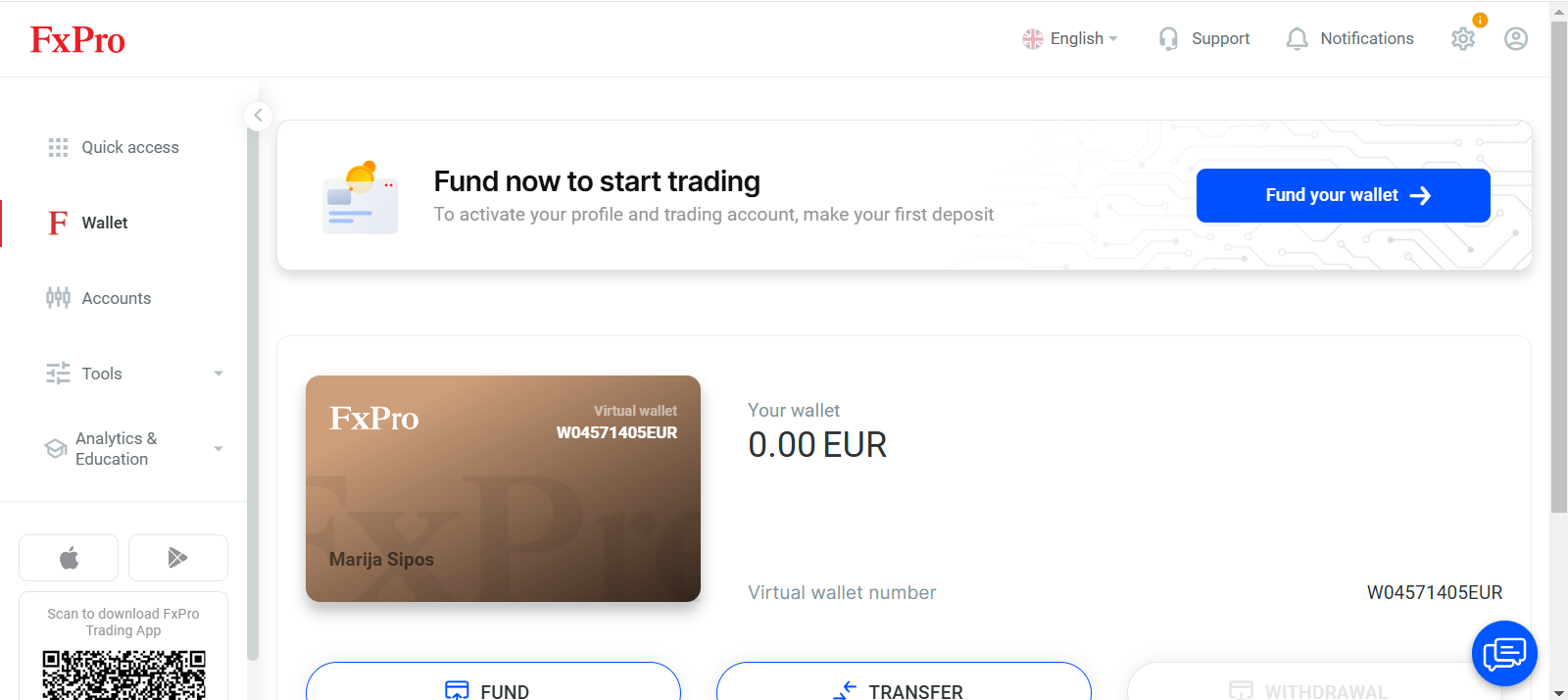
2. Click on Accounts

3. Click on Demo Accounts
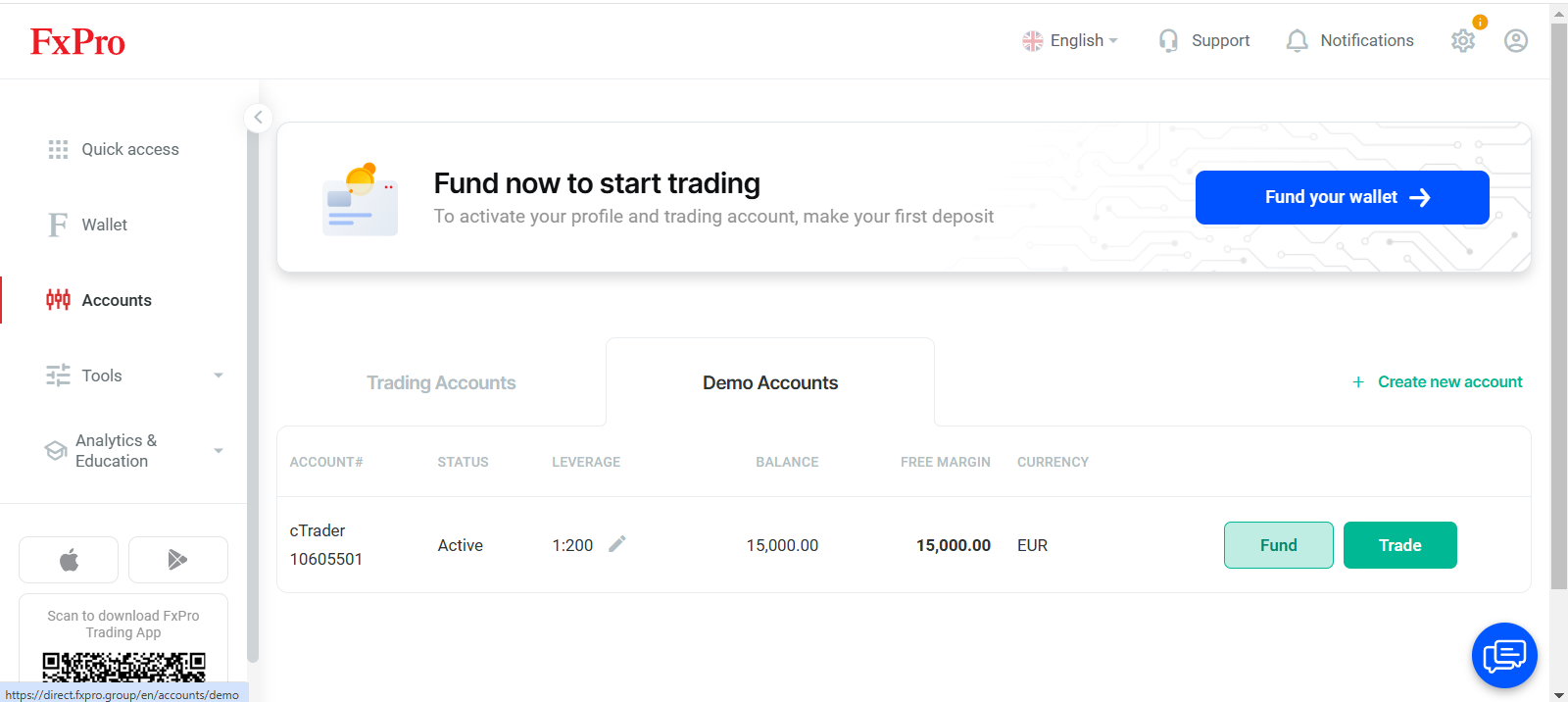
4. Create New Account
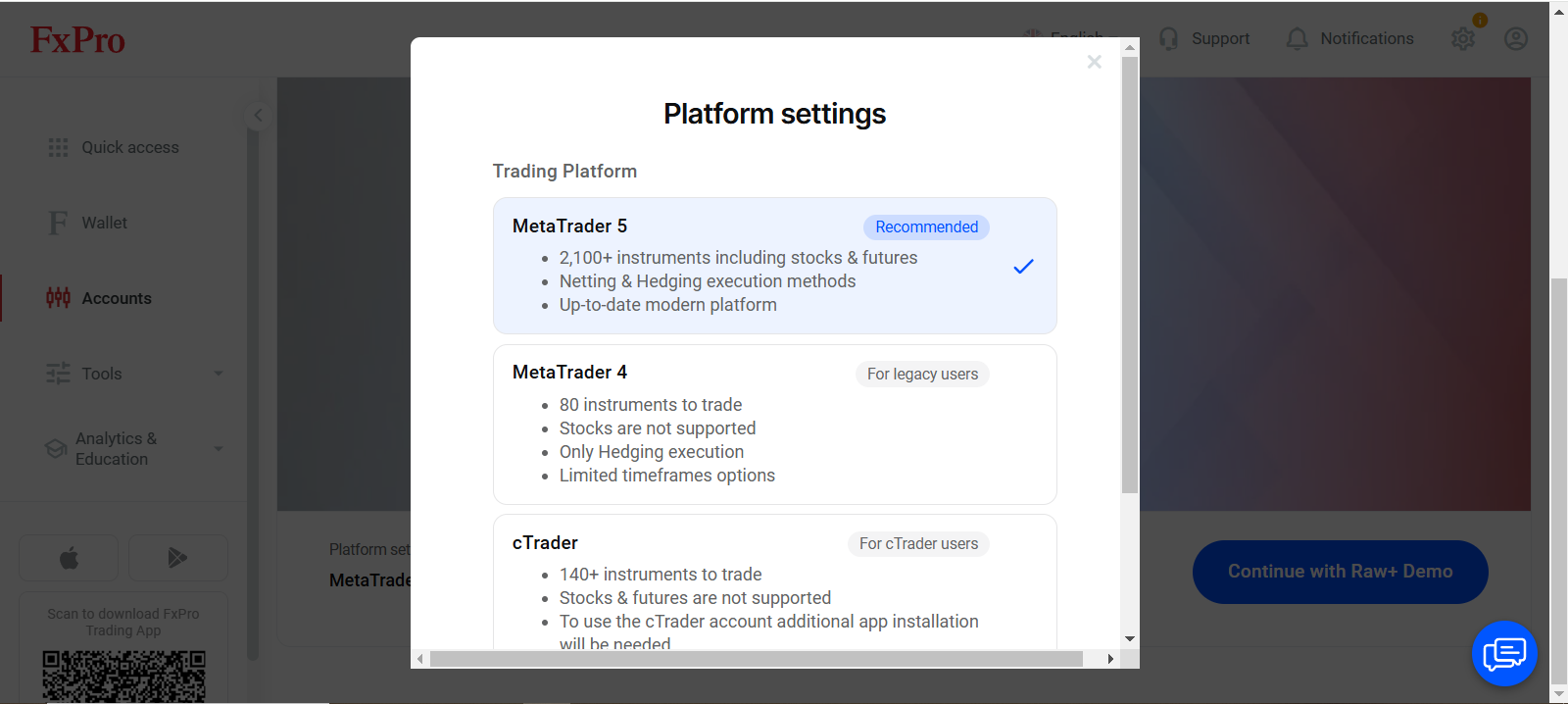
5. Choose a station – Ctrader is preferable
6. Follow the steps
December 13, 2024 at 12:13 pm #16209December 13, 2024 at 11:59 am #16207December 12, 2024 at 10:08 pm #16192Idris – let me give you a view from my angle
I wouldn’t touch it in this very moment for following reasons :
– They broke the sharp Up trend support line, but it is still in overall Uptrend
– This might very well be the top, but before we see it – it is a gamble
– It can go both ways from here – if Up previous support line will serve as a target and resistance
– This was a profit taking – and possible that same players bought it up at around 69
– Expect another attempt Up and if it fails again – then you can Sell – we will have a resistance line visible
I am going to show you all a different way – Directional trading – wave surfing …in next couple of days.
Never try to stand in front of the speeding train, even if you see it slowing down….
I can see 5 entry moments while they’ve been pushing Up ( based on my approach) and I will share it with you guys.
December 12, 2024 at 9:48 pm #16191December 12, 2024 at 9:40 pm #16190December 12, 2024 at 9:33 pm #16189December 11, 2024 at 1:10 pm #16080December 11, 2024 at 12:32 pm #16077December 11, 2024 at 12:24 pm #16076Rules of the Evaluation
– You have to post every day your trades with the charts and reasonable explanation why did you take it ( include even those that you had a feeling that you’ll be lucky 😀
– Each round of Evaluation will take one week – from Monday to Friday
– You will then post a full report – screen shot from your trading station – part with trades and profit/loss that you had that week
– Winner of each week is the one that makes the most PIPS ( losses will be deducted from wins )
– It is up to you which instrument you will be trading
– Size of the trades is not important
– Number of trades is not important
– One will be the winner each given week and we would like him/her to join us in Main Forum with views, opinions and tips
– All those that didn’t win – continue in the next week
You are all eligible to get our support, help and mentoring – so do not be shy, but ASK questions even if you feel that they are not important.
For now ( and next few days) we will be using only this board – Trading Hot Line, but if we would need some more space it will be provided.
Do not mix Our Rules of the Evaluation with the Prop Rules – I am going to write them down as well and explain it in details how it works.
If you have questions and problems with the trading station, ask now – we are starting soon.
DEMO station – Click HERE
December 10, 2024 at 11:40 am #15995December 10, 2024 at 11:20 am #15992December 10, 2024 at 10:51 am #15990Nice job Idris.
This is what I had in mind – so please everyone follow the same way.
I will have to explain few things to all , regarding Time frame , risk/reward ratio and exposure as Prop Trading is based on some strict rules .
We are doing an Evaluation here , and our approach is different than those of prop’s , so no problem here…but once you get with the Prop most important part is not to go below their Drawback level !
So I will give you guidelines and suggestions how to do it.
If you need some help in developing the system which will take care of all of it, do not be stubborn – ASK and we’ll help. No one knows it all, but together we’ll come to the best options.
December 10, 2024 at 6:32 am #15987December 10, 2024 at 6:18 am #15986December 9, 2024 at 8:35 pm #15957December 9, 2024 at 7:13 pm #15953December 9, 2024 at 7:03 pm #15952December 9, 2024 at 1:10 pm #15919Hot to get to the Demo
Once you are registered, go to Accounts – in your client page
Choose Demo
Choose station – go for CTrader – if you cannot for any reason, choose one that you prefer
Once you set it up – Go to Trade Now
In Ctrader you will see Log In – upper right corner
Click on : forgotten password – and wait for the email
Follow the steps from the email
I have no idea why it is complicated like that, but it is what it is….
You can download the station or just go with the browser based one.
I will show you here how to set up the station and how to use it – step by step
August 29, 2024 at 11:29 pm #11117July 23, 2024 at 11:27 am #9514July 7, 2024 at 11:27 am #8667May 5, 2024 at 1:39 pm #5783 -
AuthorPosts
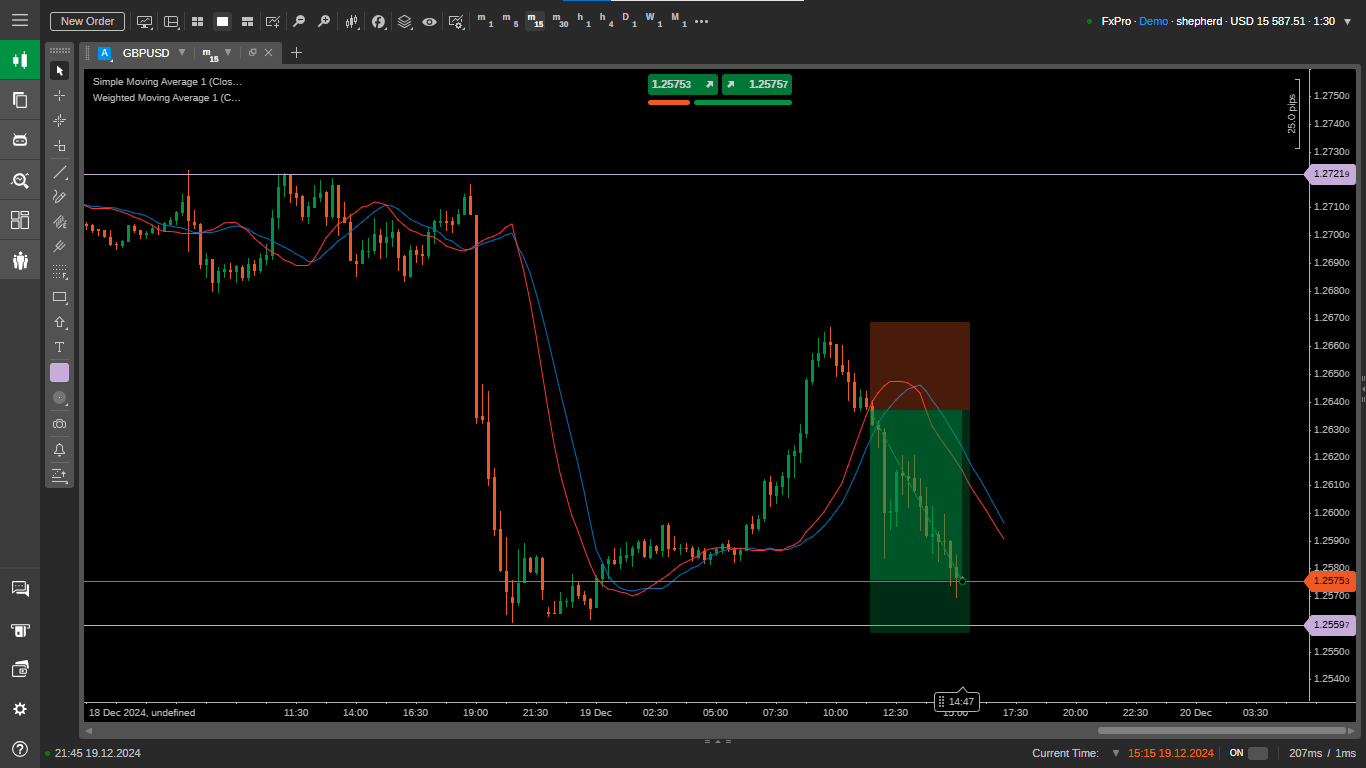

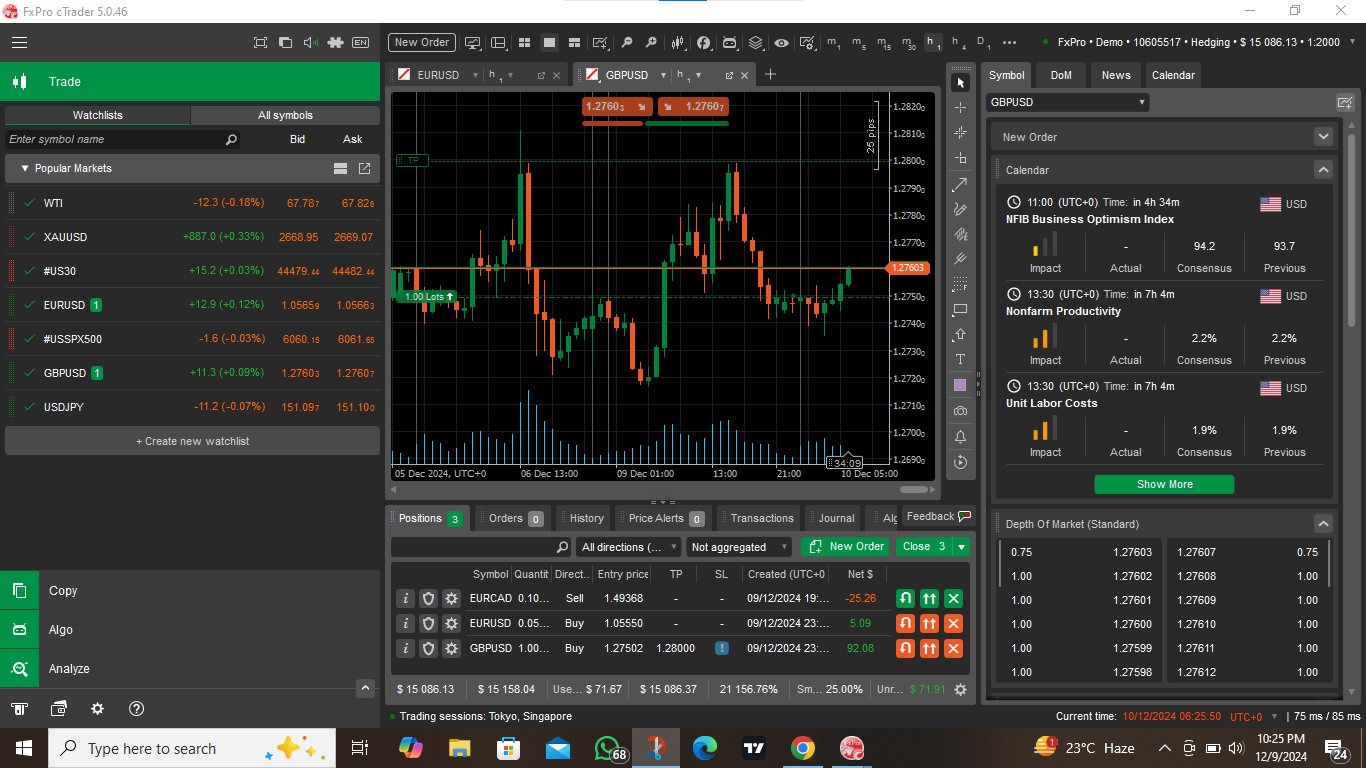 me back to it too fill i enter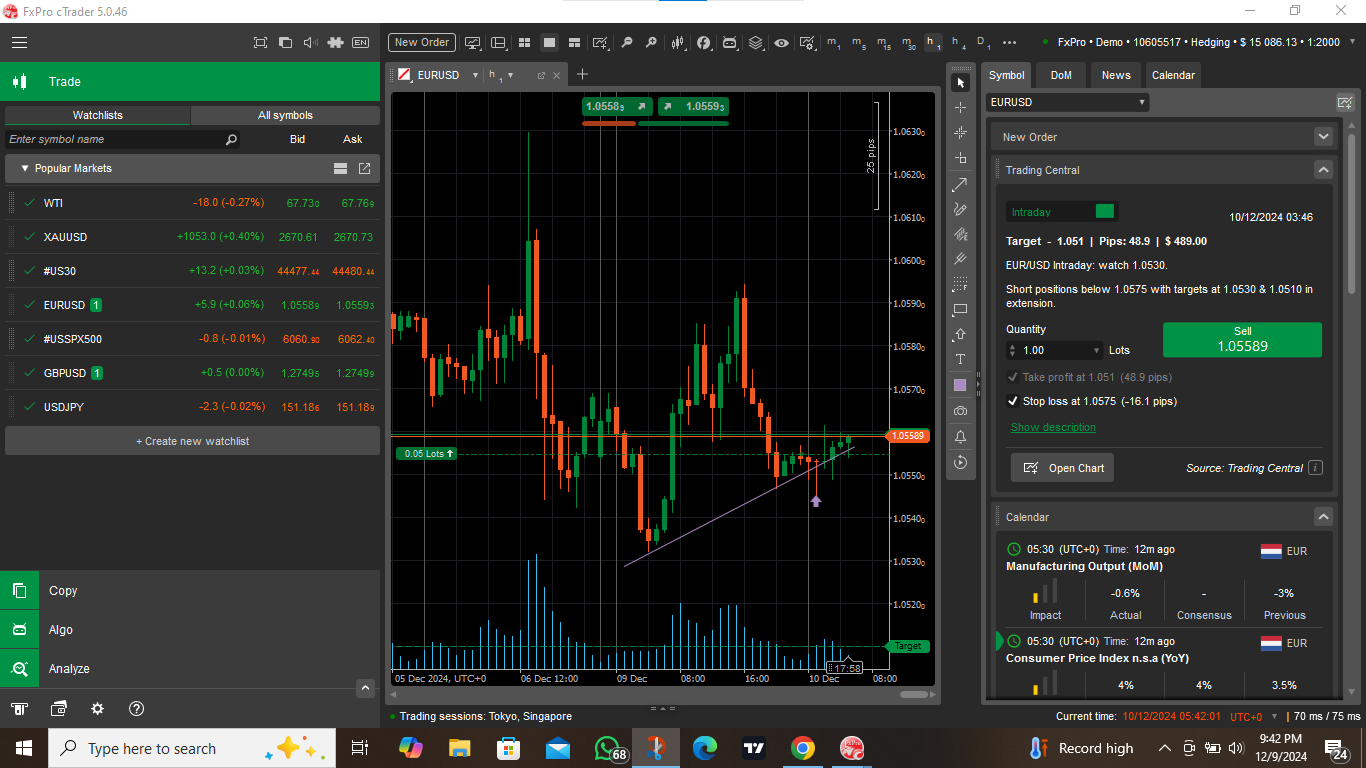

- You must be logged in to reply to this topic.
Search
© 2024 Global View